

Overview
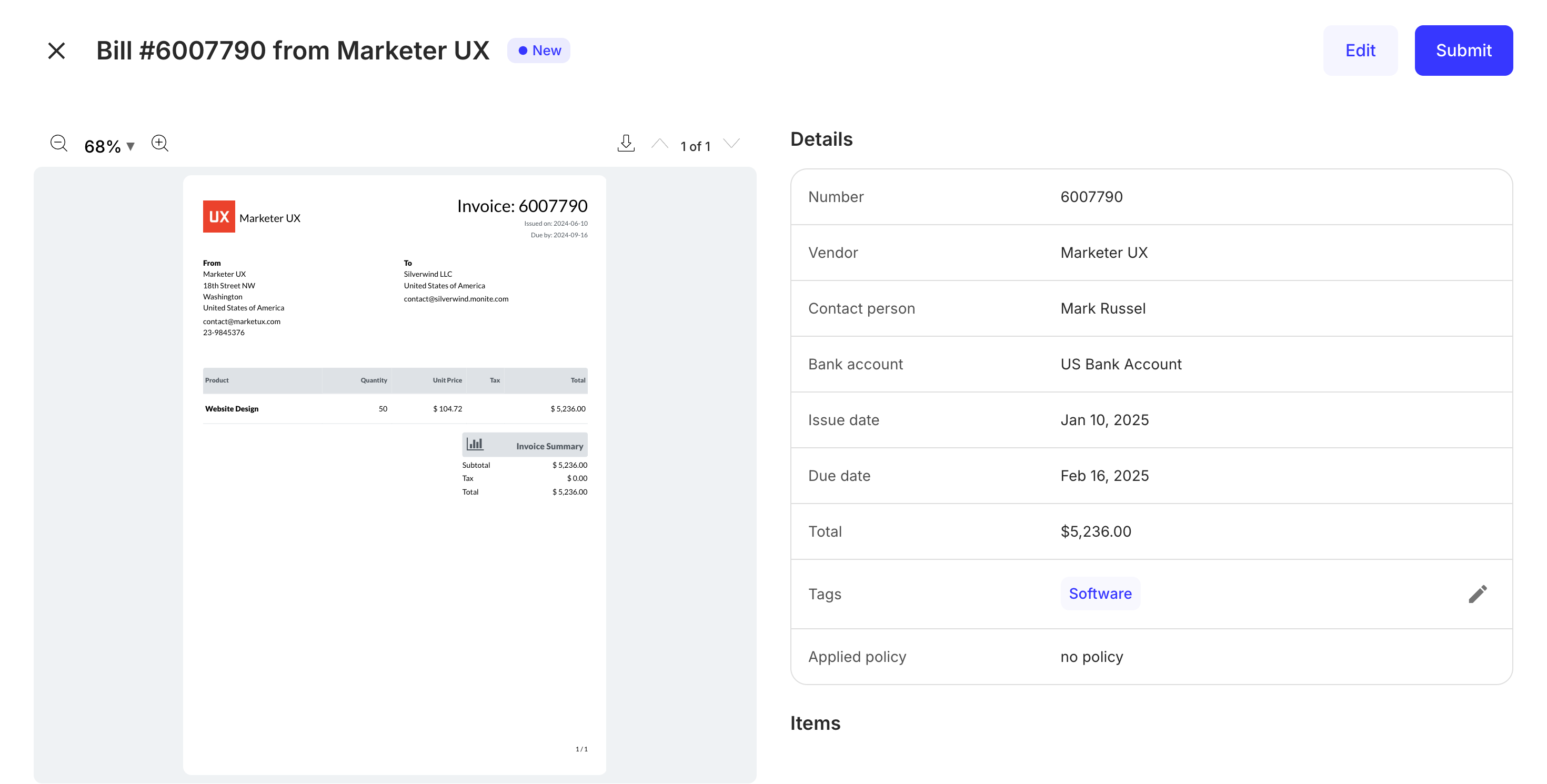
ThePayableDetails component renders the interface for creating, uploading, editing, and transitioning a payable. It also displays a copy of the uploaded payable alongside details of a payable, allowing a user to edit these details.
Permissions
To view details of an existing payable, the entity user must haveread permissions for the payable object. To create, edit, and delete payables, they must also have create, update, or delete permissions for the payable object. For more information, see List of permissions.
Preview
Usage
Use thePayableDetails component to create new payables and view and edit details of an existing payable. To view details of an existing payable, use the PayableDetails component with the id prop as shown:
PayableDetails component without providing the id prop as shown:
Props
| Prop | Type | Description |
|---|---|---|
id | string | This prop accepts the UUID of the payable details to be displayed or updated. This prop is not required for the creation of new payables. |
onApproved | function | This callback is triggered after a payable is approved by an entity user. |
onCanceled | function | This callback is triggered after a payable is canceled. It contains one string argument representing the payable UUID. |
onClose | function | This callback is triggered when the modal form is closed. |
onPay | function | This callback is triggered after a payable is paid. |
onRejected | function | This callback is triggered after a payable is rejected by an approver. |
onSaved | function | This callback is triggered after the “Save” button is clicked. |
onSubmitted | function | This callback is triggered after a payable is submitted for approval. |
ocr_requiredFields | object | This object is used to set the required fields that are necessary for OCR, e.g. ocrRequiredFields : {invoiceNumber : true}. The fields that were not filled in the OCR scan are marked with a red asterisk. |
Customization
Customize mandatory fields
You can set the fieldscounterpart_id, counterpart_bank_account_id, issued_at, and currency as mandatory, in addition to the required fields, for the payable creation. To do this, call PUT /payables/validations:
Set fields to be mandatory for review after OCR
You can select which fields of the Payable are mandatory to be filled after the OCR process. The fields that were not scanned will be marked as required with a red asterisk: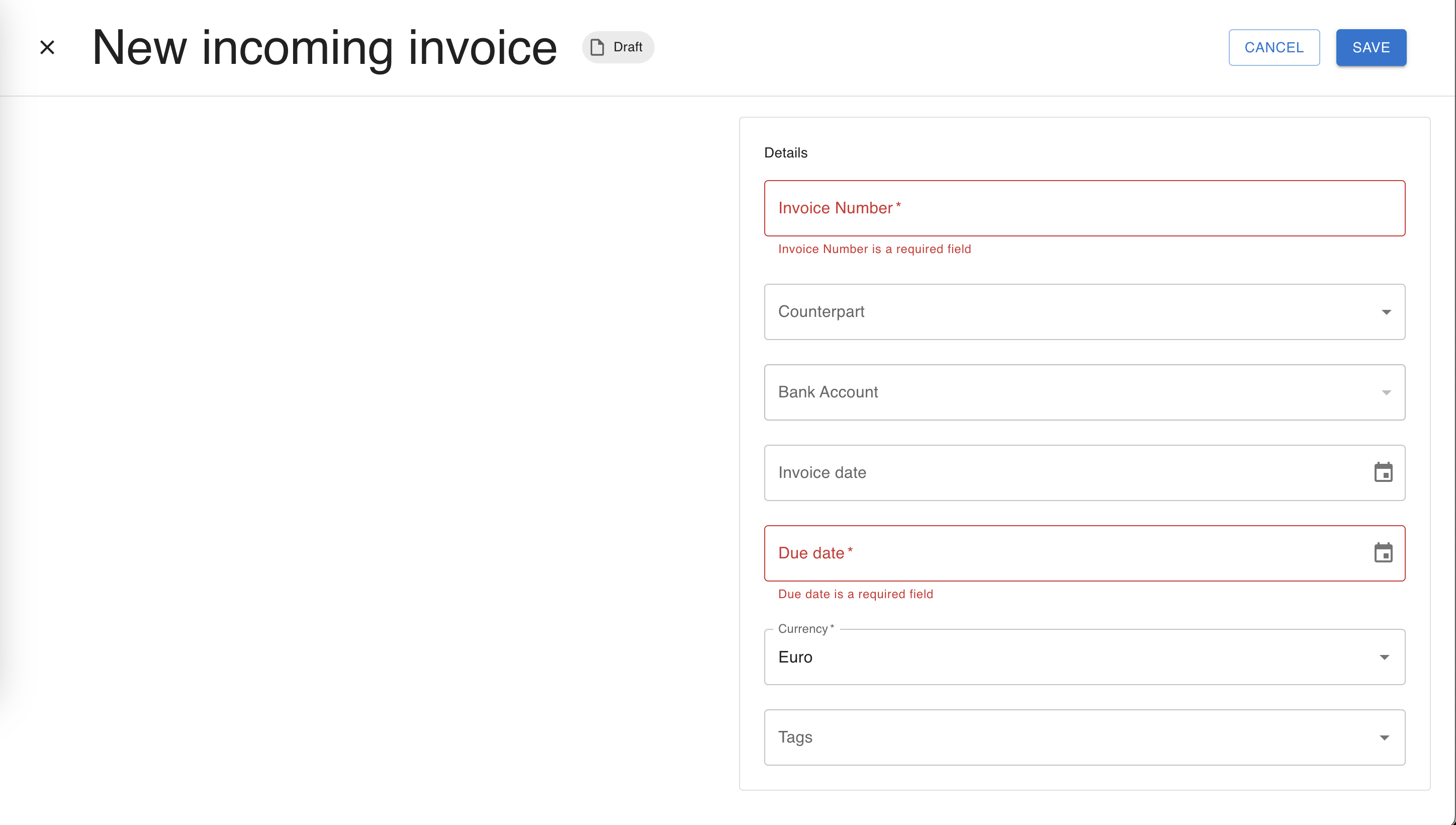
payables.ocrRequiredFields field. Here is an example: