

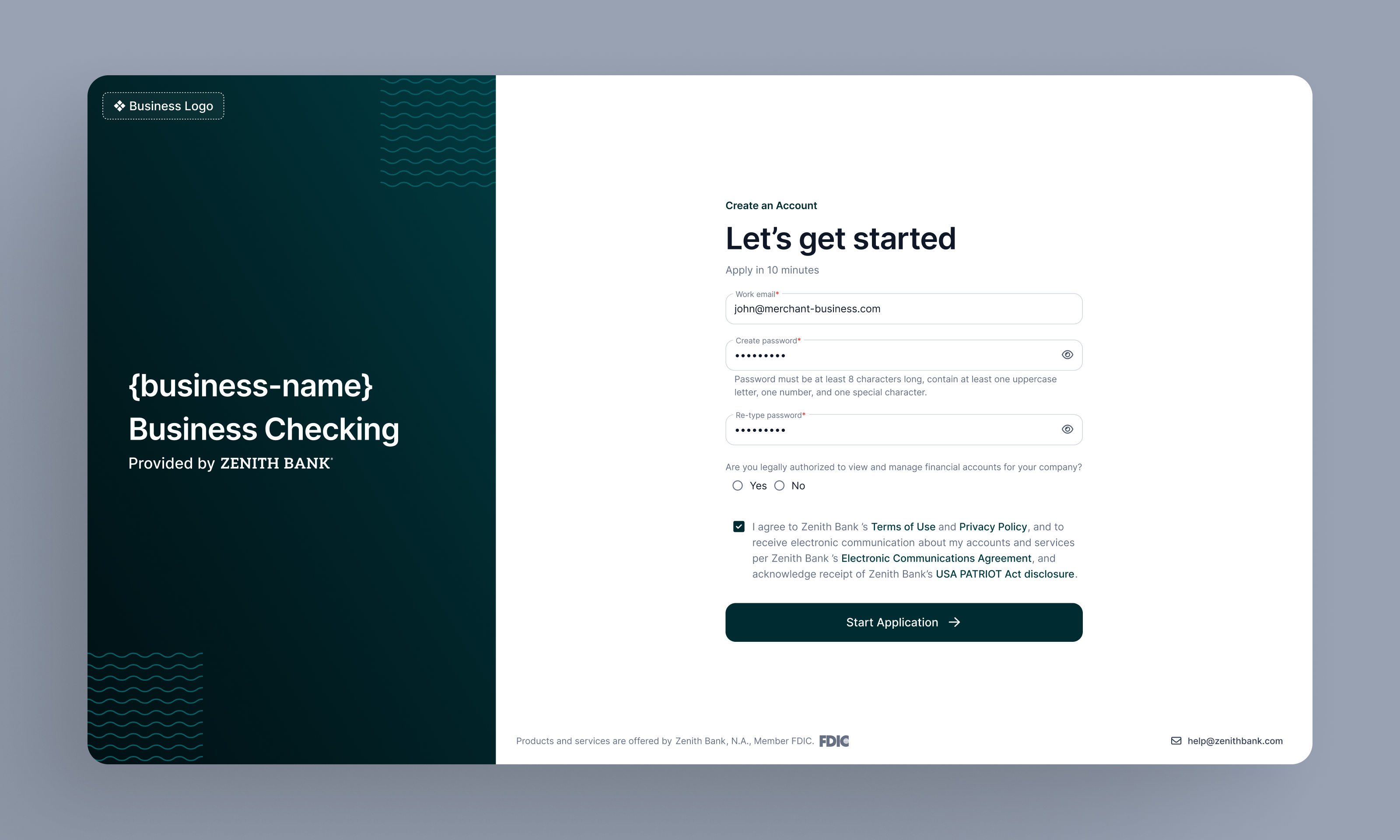
Brand assets
You will need to provide us with the following so that the white label site to be branded to your look and feel:- Primary Logo
- Alternative Logo
- Primary color
- Font style
- Font color
- Hyperlink color
- Button color
- Button corner radius
Initiating the application
You can embed the White label application with as little as a hyperlink from your own software linking to the URL for the site, however for a more seamless presentation, the recommended implementation is below:- Integrate our marketing widget into your dashboard to increase attention on the embedded account
- NOTE: You must pass in the
data-should-redirect="true"parameter to ensure the widget will redirect users to your white label site - The marketing widget will be automatically hidden once a user from a given business enrolls in the account
- NOTE: You must pass in the
- Create a Banking menu in your navigation structure that links to the white label application login page
Custom domains
You can use Tesouro’s default domain for your white label application (company.business-banking.app), or configure a custom domain by setting up a CNAME record with your DNS provider that points to our domain. This allows your application to appear fully branded and seamless to your end users. To do this, follow these instructions:
- Submit a request to Tesouro for custom domain configuration. You’ll need to include the fully-qualified domain name you would like to use. It can only include the subdomain and domain, without any path. For example:
banking.myorg.comworks, butmyorg.com/bankingdoes not. - Tesouro will respond with instructions about specific CNAME DNS record that you will need to configure in your DNS provider within a certain time period. This allows us to configure TLS for routing on our side of things.
- Once you have configured the CNAME DNS record that we send you, we will activate your custom domain on our system and notify you when it is ready!