

Overview
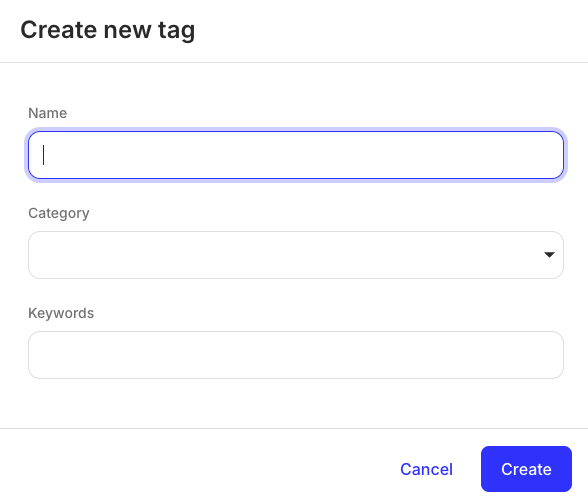
TheTagFormModal component is a React component that displays a modal form that can be used to create a new tag or update an existing tag. The form works in the “Create” or “Update” mode depending on its props passed.
Permissions
To access this component, the entity user must havecreate and update permissions for the tag object. For more information, see List of permissions.
Preview
Usage
Use theTagFormModal component to create new tags and update details of an existing tag. To create a new tag, import the TagFormModal component and bring it into your application as shown:
Create new tag
TagFormModal component with the tag prop. The tag prop accepts an object with tag UUID and tag name as shown:
Rename existing tag
Props
| Prop | Type | Description |
|---|---|---|
onClose | function | This is a callback function triggered when the modal form is closed. For example, after clicking the “Cancel” button. |
onCreate | function | This is a callback function triggered upon successful tag creation. |
open | boolean | This prop determines whether the modal is opened or closed. |
tag | object | This prop defines the tag ID and name. It is required when updating a tag. |
tag prop accepts an object that contains two mandatory fields:
id(string) - the UUID of an existing tag you want to delete.name(string) - the tag name to display in the prompt.